
Depending on your screen size, it may happen that you see unwanted breaks in words (especially long ones), for example in headings. There is a simple way to make sure words break only where and how you want them to: HTML entities.
There are a lot of interesting HTML entities, however we’d like to highlight two in this context:
­: Soft Hyphen, makes sure words break with an “-” if there’s not enough space. Example: Manage­ment
: Non-breaking space, prevents breaking between two words. Example: John Doe
To use HTML entities in the Block Editor, click on the three dots in the toolbar and select “Edit as HTML”:
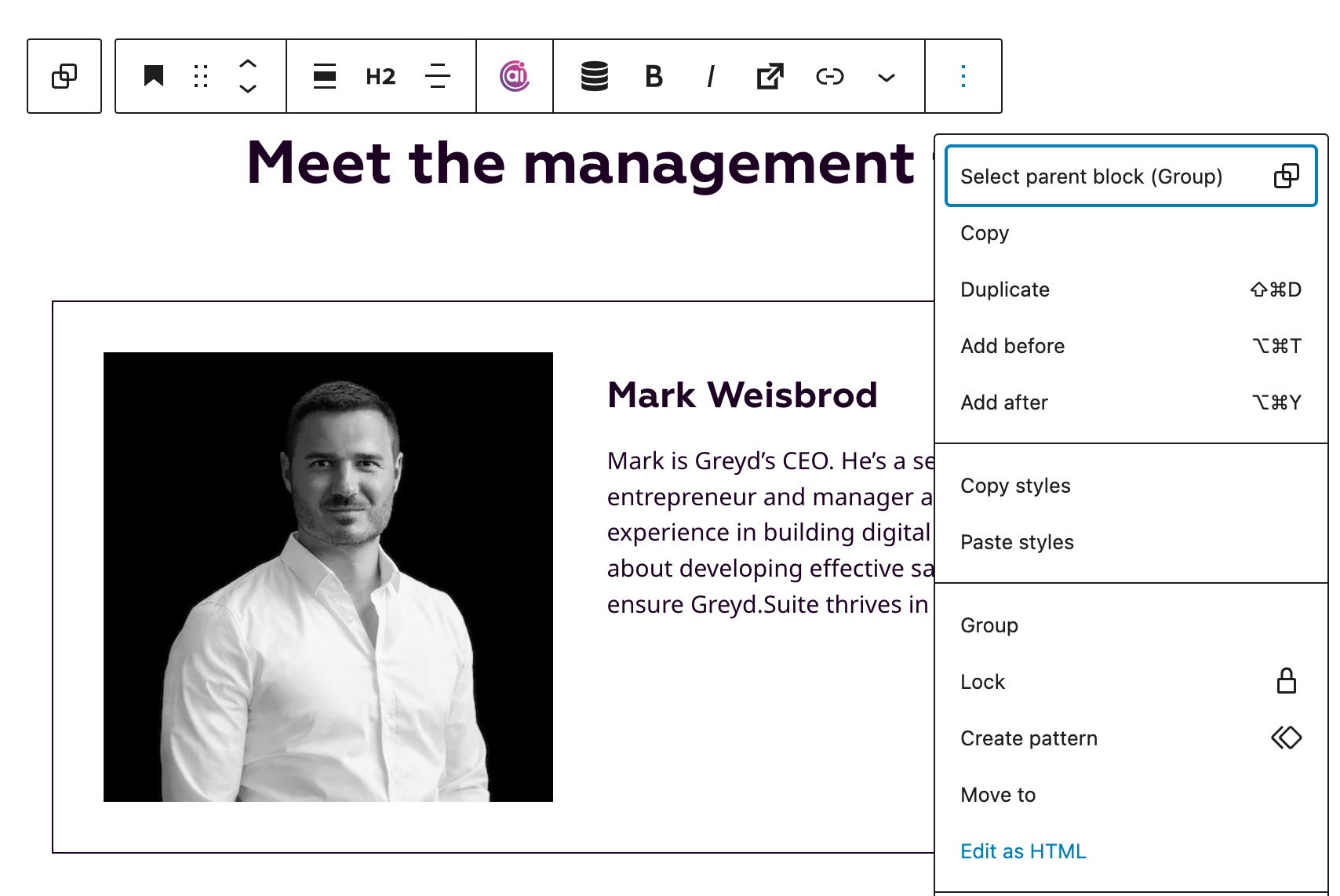
You can then insert your HTML entities and revert to the visual editor.
