
The Image block comes with additional styling options by the Greyd Plugin that give you more control over layout, aesthetics, and animation.
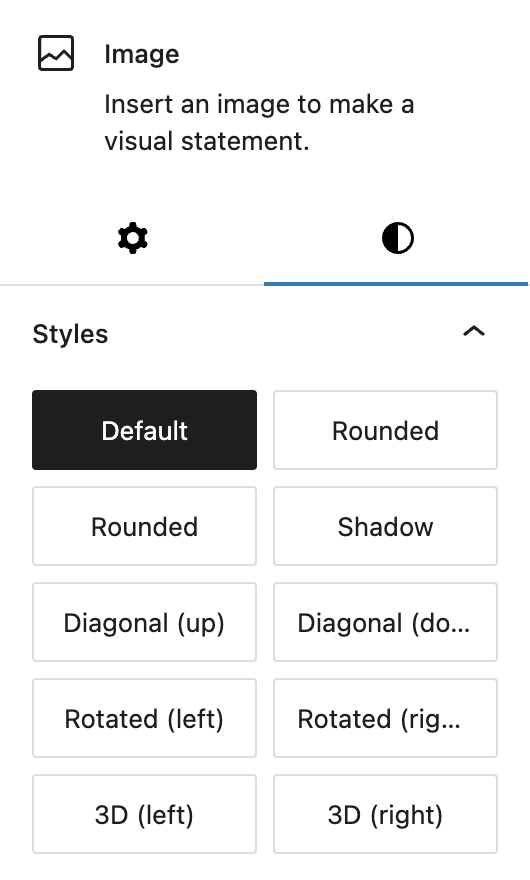
Several Block styles are added to enhance the visual appearance of images with just a click. These include effects like Rounded corners, Shadow, and more dynamic styles such as Diagonal (up/down), Rotated (left/right), and 3D (left/right). Each style adds a unique visual twist without requiring custom CSS.
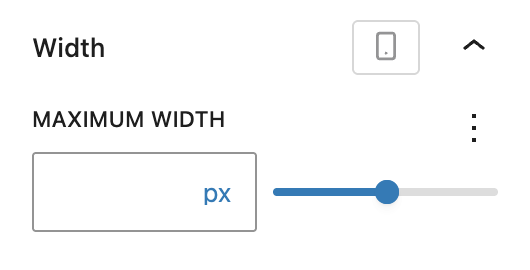
You can also define a maximum width for the image per breakpoint using the Range Unit Control component. This is useful for creating fluid image layouts that scale appropriately across screen sizes while still maintaining control over the image’s layout footprint.
In the Advanced panel, the block supports the Styles class, CSS animation, Hide per breakpoint and Inline CSS. See the Advanced panel documentation for more details.